Error: Couldn't find an available hardware trigger / Error: can't add breakpoint: resource not available
Problem Description
When using OpenOCD in NucleiStudio to debug hbird/hbirdv2 processors (which do not support hardware breakpoints) or the Nuclei 100 series processors, an Error is reported when the program runs from Flash/FlashXip.
Error: Couldn't find an available hardware trigger.
Error: can't add breakpoint: resource not available
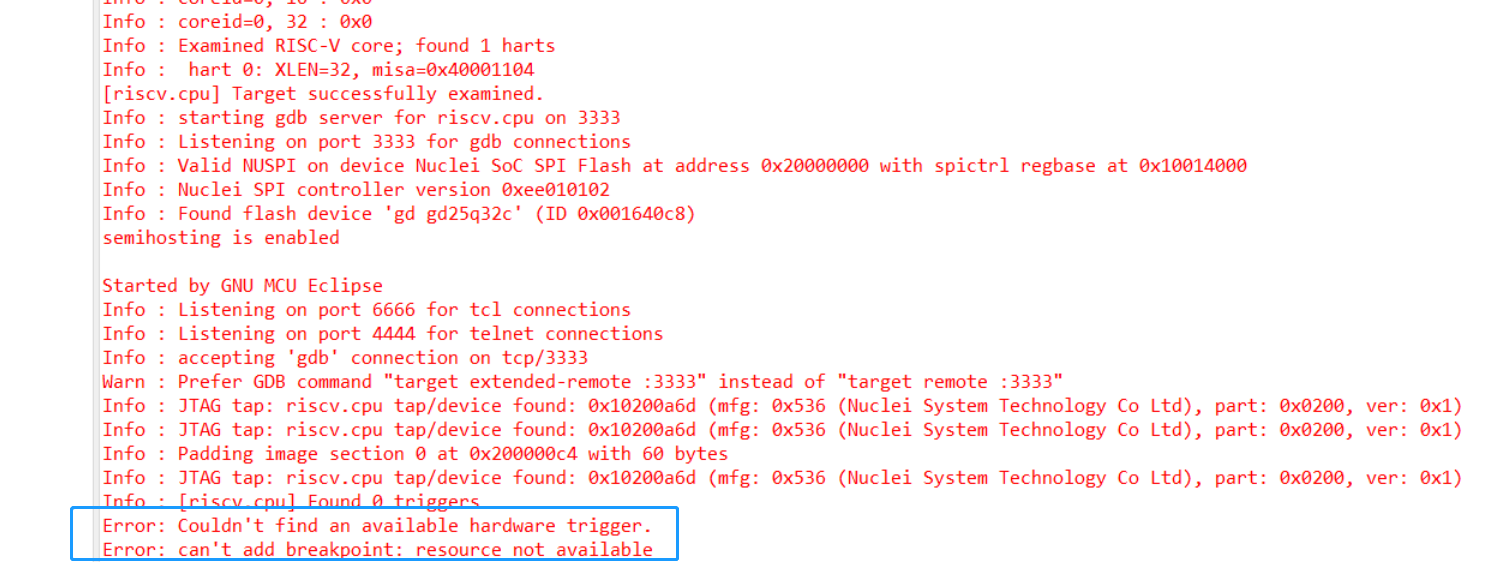
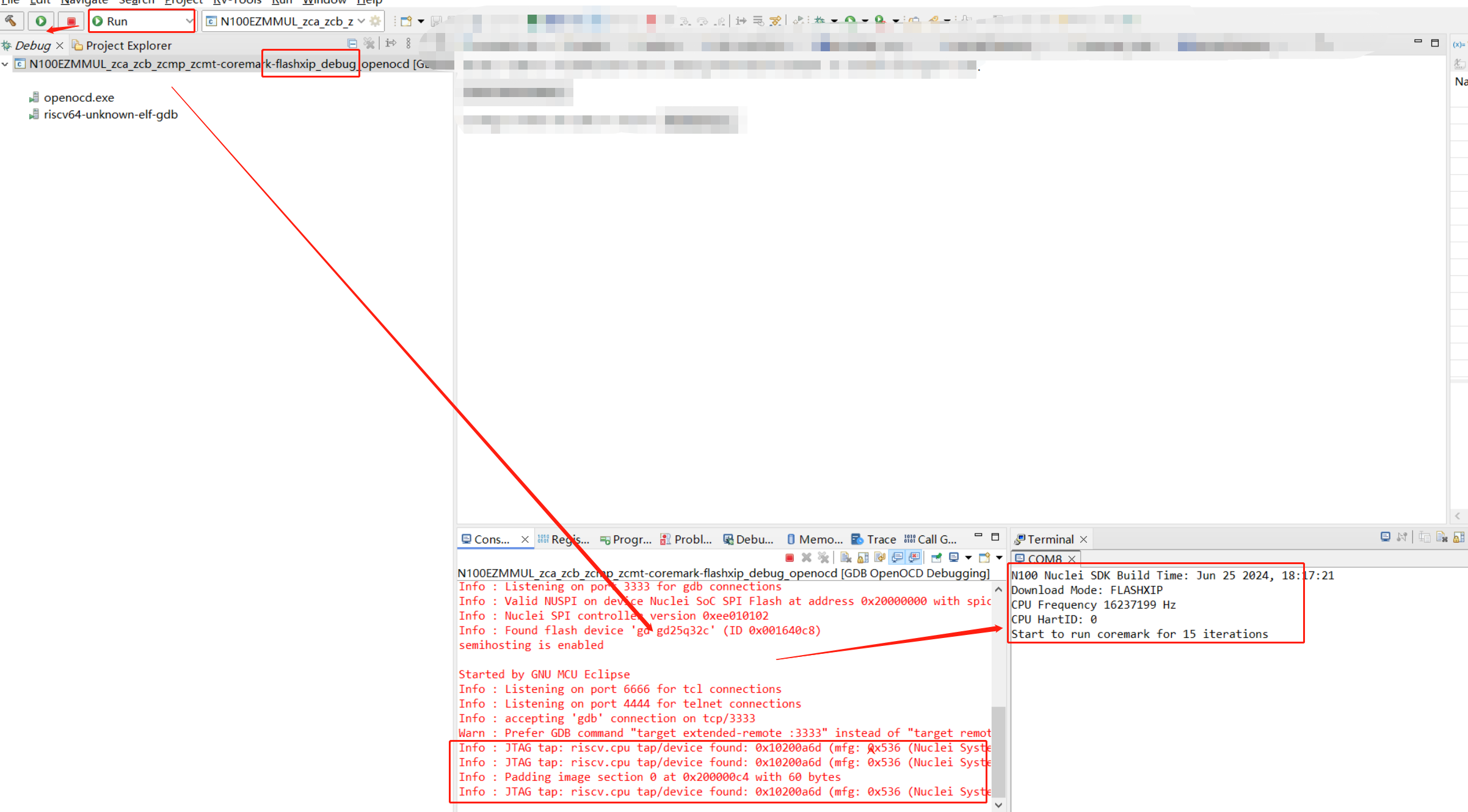
This happens because the CPU being run does not support hardware breakpoints, which prevents the IDE's debug functionality from working properly when the program runs from Flash — the IDE needs to set a temporary breakpoint. If you only need to download and run the program, switch to Run mode and the program will run normally.
Solution
When debugging this type of processor, if debugging is required, the program must be compiled to run from RAM.